
Context Menu
Add a custom item to the Transactions page More menu that opens a URL pre-populated with the current book context — query, account, date range, and more.
Apps can add context menu items on the Transactions page More menu in your Books. This lets you open dynamically built URLs with reference to the current Book’s context — the active query, selected account, date range, and more.
How it works
Once you install an App with a menu configuration, a new menu item appears in your Book:

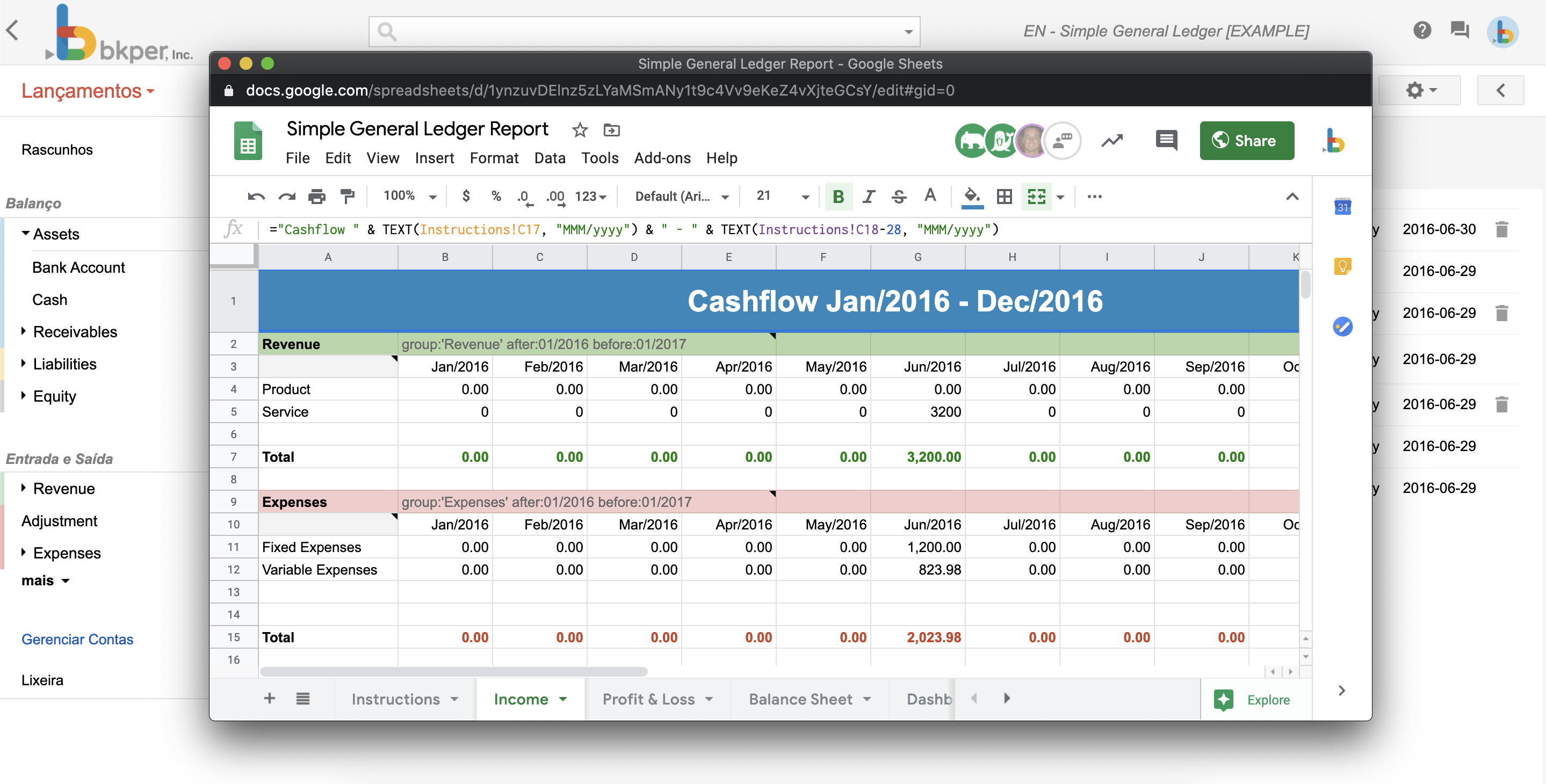
When clicked, a popup opens carrying the particular context of that book at that moment:
Configuration
Configure the menu URL in your bkper.yaml:
menuUrl: https://my-app.bkper.app?bookId=${book.id}&query=${transactions.query}When the user clicks the menu item, the URL expressions ${xxxx} are replaced with contextual information from the Book:
https://my-app.bkper.app?bookId=abc123&query=account:SalesWhere abc123 is the current Book id and account:Sales is the current query being executed.
Development URL
Use menuUrlDev for a separate URL during development:
menuUrl: https://my-app.bkper.app?bookId=${book.id}&query=${transactions.query}menuUrlDev: http://localhost:8787?bookId=${book.id}&query=${transactions.query}The development URL is used when the app developer is the one clicking the menu item.
Menu open mode
Control how the menu opens with menuOpenMode:
menuOpenMode: SIDEBAR| Mode | Behavior |
|---|---|
SIDEBAR | Opens in a narrow side panel (default). |
EXPANDED | Opens in a wider panel with more room for complex UIs. |
NEW_TAB | Opens the menu URL in a new browser tab instead of an embedded panel. |
Available expressions
The menu URL supports these dynamic expressions:
| Expression | Description |
|---|---|
${book.id} | The current Book ID |
${transactions.query} | The current query string |
${account.id} | The selected account ID |
${account.name} | The selected account name |
${group.id} | The selected group ID |
${group.name} | The selected group name |
For the full list of accepted expressions, see the Menu URL variables reference.