
Context Menu
Add a custom item to the Transactions page More menu that opens a URL pre-populated with the current book context — query, account, date range, and more.
Apps can add context menu items on the Transactions page More menu in your Books. This lets you open dynamically built URLs with reference to the current Book’s context — the active query, selected account, date range, and more.
How it works
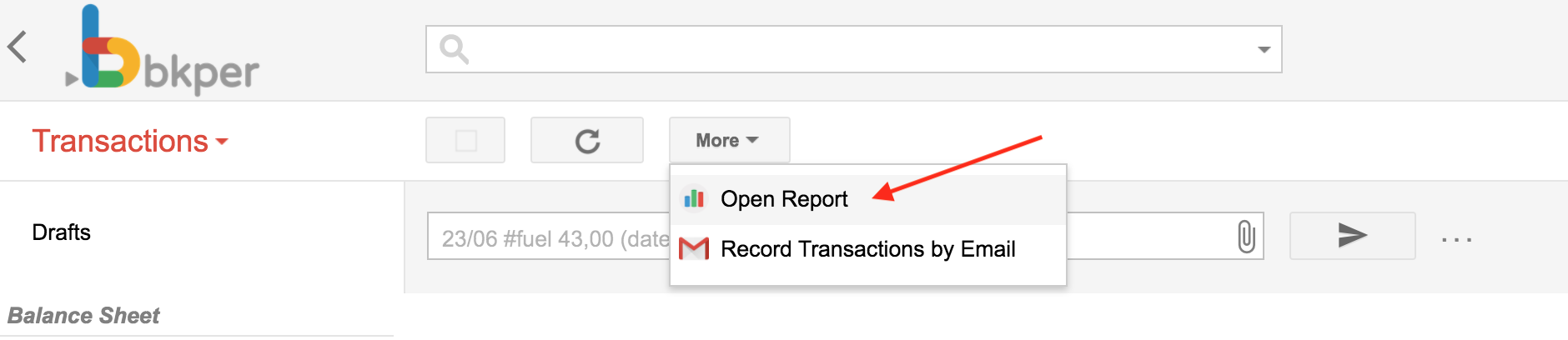
Once you install an App with a menu configuration, a new menu item appears in your Book:
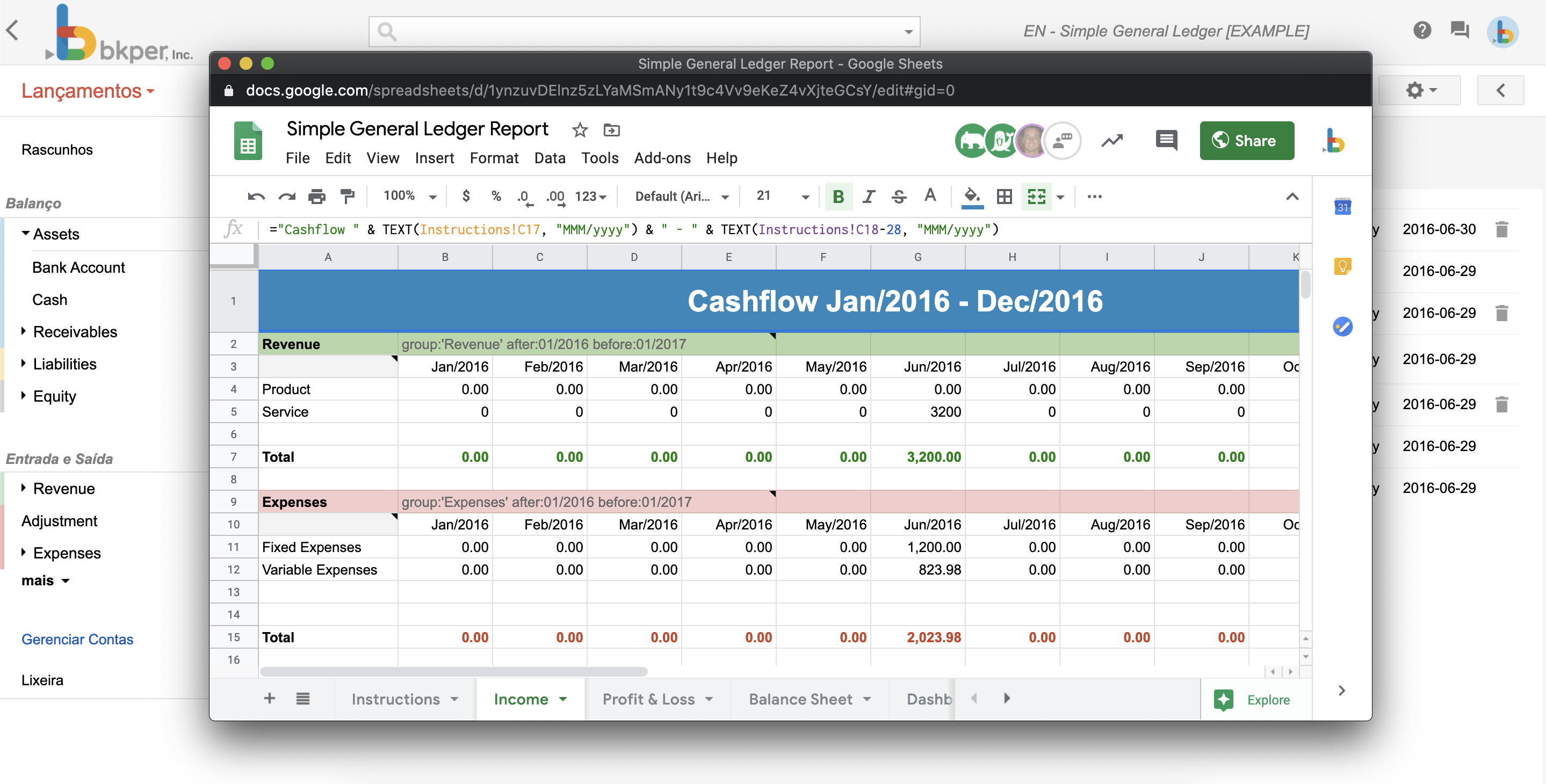
When clicked, a popup opens carrying the particular context of that book at that moment:
Configuration
Configure the menu URL in your bkper.yaml:
menuUrl: https://my-app.bkper.app?bookId=${book.id}&query=${transactions.query}When the user clicks the menu item, the URL expressions ${xxxx} are replaced with contextual information from the Book:
https://my-app.bkper.app?bookId=abc123&query=account:SalesWhere abc123 is the current Book id and account:Sales is the current query being executed.
Development URL
Use menuUrlDev to keep developer testing separate from production. The app template points it to the preview deployment:
menuUrl: https://my-app.bkper.app?bookId=${book.id}&query=${transactions.query}menuUrlDev: https://my-app-preview.bkper.app?bookId=${book.id}&query=${transactions.query}During local development, you can instead point it to the local Worker URL at http://localhost:8787. The development URL is used when an app developer clicks the menu item.
Menu open mode
Control how the menu opens with menuOpenMode:
menuOpenMode: SIDEBAR| Mode | Behavior |
|---|---|
SIDEBAR | Opens in a narrow side panel (default). |
EXPANDED | Opens in a wider panel with more room for complex UIs. |
NEW_TAB | Opens the menu URL in a new browser tab instead of an embedded panel. |
Live context updates
Bkper keeps embedded Apps informed of context changes without reloading the iframe, allowing them to preserve their current state. For Apps opened in SIDEBAR or EXPANDED, Bkper communicates those changes by sending the updated App URL to the iframe when its origin remains the same:
{ type: 'bkper:app-url-changed', url: 'https://my-app.bkper.app?bookId=abc123&query=account:Sales',}Listen for the message in the App:
const BKPER_ORIGIN = 'https://bkper.app';
window.addEventListener('message', event => {    // Verify that the trusted Bkper parent sent the message.    if (event.source !== window.parent || event.origin !== BKPER_ORIGIN) return;
    // Verify that this is a valid App URL update.    const message = event.data;    if (message?.type !== 'bkper:app-url-changed' || typeof message.url !== 'string') return;
    // Parse the updated URL, ignoring malformed URL strings.    let nextUrl;    try {        nextUrl = new URL(message.url);
        // Accept only URLs belonging to this App.        if (nextUrl.origin !== window.location.origin) return;    } catch {        return;    }
    // Keep the iframe URL in sync without reloading it.    window.history.replaceState(window.history.state, '', nextUrl);
    // Apply the validated context update.    handleAppUrlChange(nextUrl);});
handleAppUrlChange is App logic. The App can update internal state, notify components, refresh data, change its UI, or ignore the message. Bkper only communicates the new URL; it does not reload the iframe or apply the context inside the App.
Apps opened with NEW_TAB do not receive this message. Their context is set only by the URL used to open the tab.
Available expressions
The menu URL supports these dynamic expressions:
| Expression | Description |
|---|---|
${book.id} | The current Book ID |
${transactions.query} | The current query string |
${account.id} | The selected account ID |
${account.name} | The selected account name |
${group.id} | The selected group ID |
${group.name} | The selected group name |
For the full list of accepted expressions, see the Menu URL variables reference.