
Apps Installation
Install and remove Bkper Apps and Bots on your books — authentication, authorization, and managing connections.
Bots are a secure and effective way to automate everyday tasks on your books. Installing a bot connects it to your book so it can react to events and perform actions on your behalf.
Installing a bot
Open the book where you want to add the bot. In the book settings (gear icon), select Automations, then open the Bots tab. Choose the bot you want to use and click Install.
The first time you install a bot, you need to authenticate and authorize its access to your book.
Authenticate using your Google account. This confirms your identity.
Authorize the required permission scopes. This grants the bot the specific access it needs to operate on your books.
Once authenticated and authorized, you can check the bot’s status in the User Connections section of the Automations Portal. These connections are per user, not per book — a single connection works across all your books. Deleting a connection stops all configurations that depend on it.
After the connection is established, the bot is ready. Follow any configuration instructions specific to the bot you installed.
Removing a bot
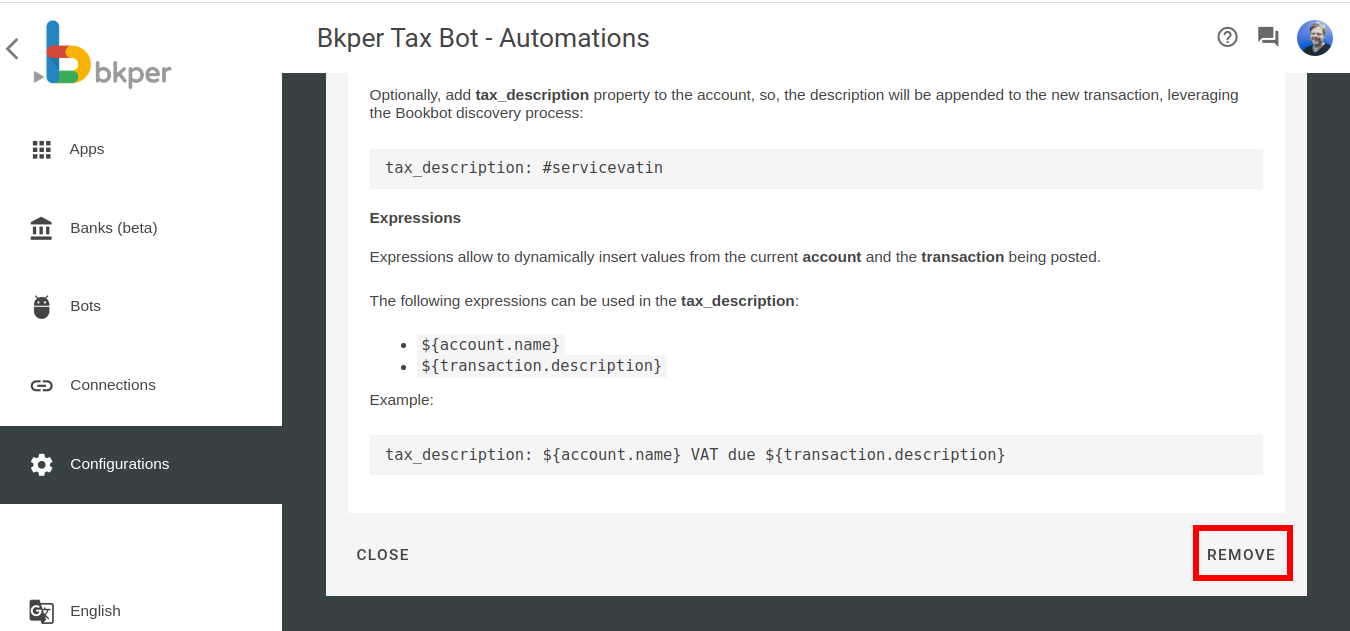
Open the book settings (gear icon) and select Automations. Go to the Book Integrations tab, select the bot you want to remove, and click Remove.
Removing a bot from a book does not revoke your user connection — it only detaches the bot from that specific book. The bot continues to operate on any other books where it is configured.